See activity
View candidate agent processes and changes in selected folders. Read-only monitoring records observations without interrupting applications.
AI PROTECTION SERVICES
Let AI help. Keep a say in what it does.
AIPSAFE365 is software for Apple Silicon Macs. See activity in selected folders and review requests from AI agents connected to the app. It is operated by Trillvillans LLC.
Version 0.2.0 · Apple Silicon Macs
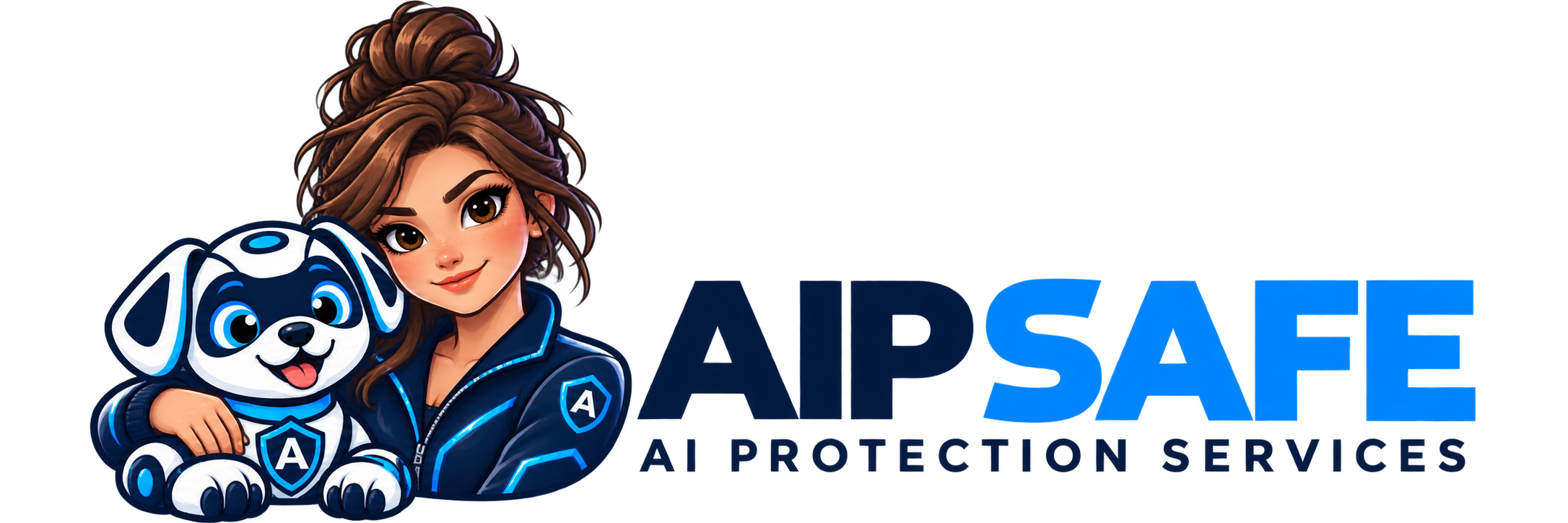
One friendly team.
Watching out for your next move.
A LITTLE CLARITY GOES A LONG WAY
Desktop observations and permissions for connected agents give you two ways to understand what’s happening.
View candidate agent processes and changes in selected folders. Read-only monitoring records observations without interrupting applications.
Connected agents can submit planned actions for evaluation. See the resource, risk level, and explanation before deciding.
Allow once, block, or save an eligible exact-action exception. Cooperating agents use the local SDK to honor your decisions.

MEET NOBLE. YOUR AI SAFETY COMPANION.
The desktop app stores activity and rules locally. It does not upload your documents or prompts, and its agent permission service only listens on your own computer.
CLEAR ABOUT OUR LIMITS
AIPSAFE365 is an AI-agent monitoring and permissions layer. It is not antivirus software or a guarantee against scams.
Permissions apply to cooperating agents using our integration. Other applications can bypass that workflow. Folder monitoring observes changes; it does not intercept credential reads or prove which agent changed a file.
AIPSAFE365
Your AI. Your boundaries. Noble by your side.
Get the current Mac software and a subscription linked to one registered computer. Local monitoring works independently of billing; registration does not add system-wide blocking. AI permissions require a cooperating integration.
$9.99 USD / month
Billed monthly. Renews until canceled.
Choose monthly$99 USD / year
Billed annually. Save $20.88 versus 12 monthly payments.
Choose annualCancel anytime to stop future renewals. Access to your paid registration continues through the paid period. Manage your subscription.
DOWNLOAD FOR MAC · APPLE SILICON
Local activity monitoring, protected-folder settings, and permission decisions for cooperating AI agents. Download the signed, Apple-notarized Mac app directly—no app store or ChatGPT account required.
Requires an Apple Silicon Mac (M1 or newer). Windows, Intel Mac, Android and iPhone public releases are not included yet. No automatic updater in this release.
GET STARTED
For billing changes, use My account. Need help? Email teamsafe@aipsafe365.com.